Resend
The messages you have sent stay listed above the compose box.
Send a message again
-
Select Chatting.
-
Find the message you want in the list above the compose box.
-
Select Resend at the right of that row.
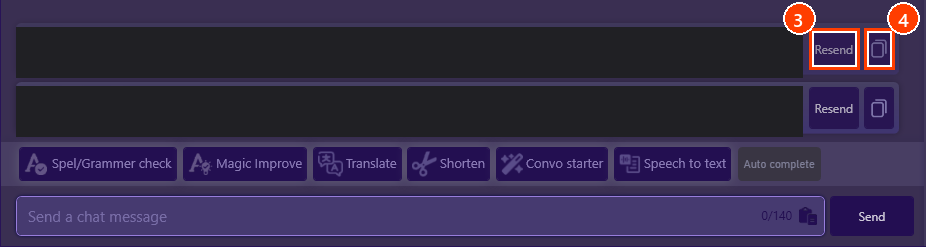
Beside Resend on every row, a smaller button marked with two overlapping rounded squares copies that message's text.
Stop and Clear history sit together at the top right of the page.
Settings for this page
The sound that plays when you select Resend is set in Options → Chatting options.