Spotify
The Spotify row reads your Spotify account rather than your PC, so you have to sign in first.
Turn it on
-
On the Integrations page, switch on the Spotify row.
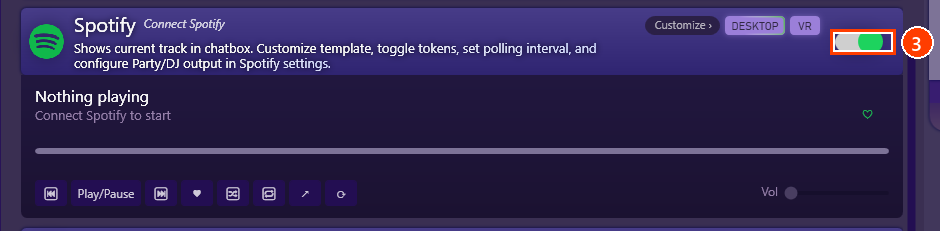 Until you connect an account, the row's status reads Connect Spotify and the panel below it shows no track.
-
Select Customize › and sign in to Spotify on the Options page that opens.
-
Back on Integrations, turn on DESKTOP, VR, or both.
Before you connect
Switch Spotify on before you sign in and it still puts a line in your chatbox: Preview reads
- Spotify: connect account.
Or skip the account
If you only want the song title in your chatbox, MediaLink reads any player on your PC with no sign-in at all.
Settings for this page
Select Customize › on the Spotify row to open Spotify options on the Options page, where you sign in, choose which pieces of a track are sent, write the line they build, and stop Spotify appearing twice.